

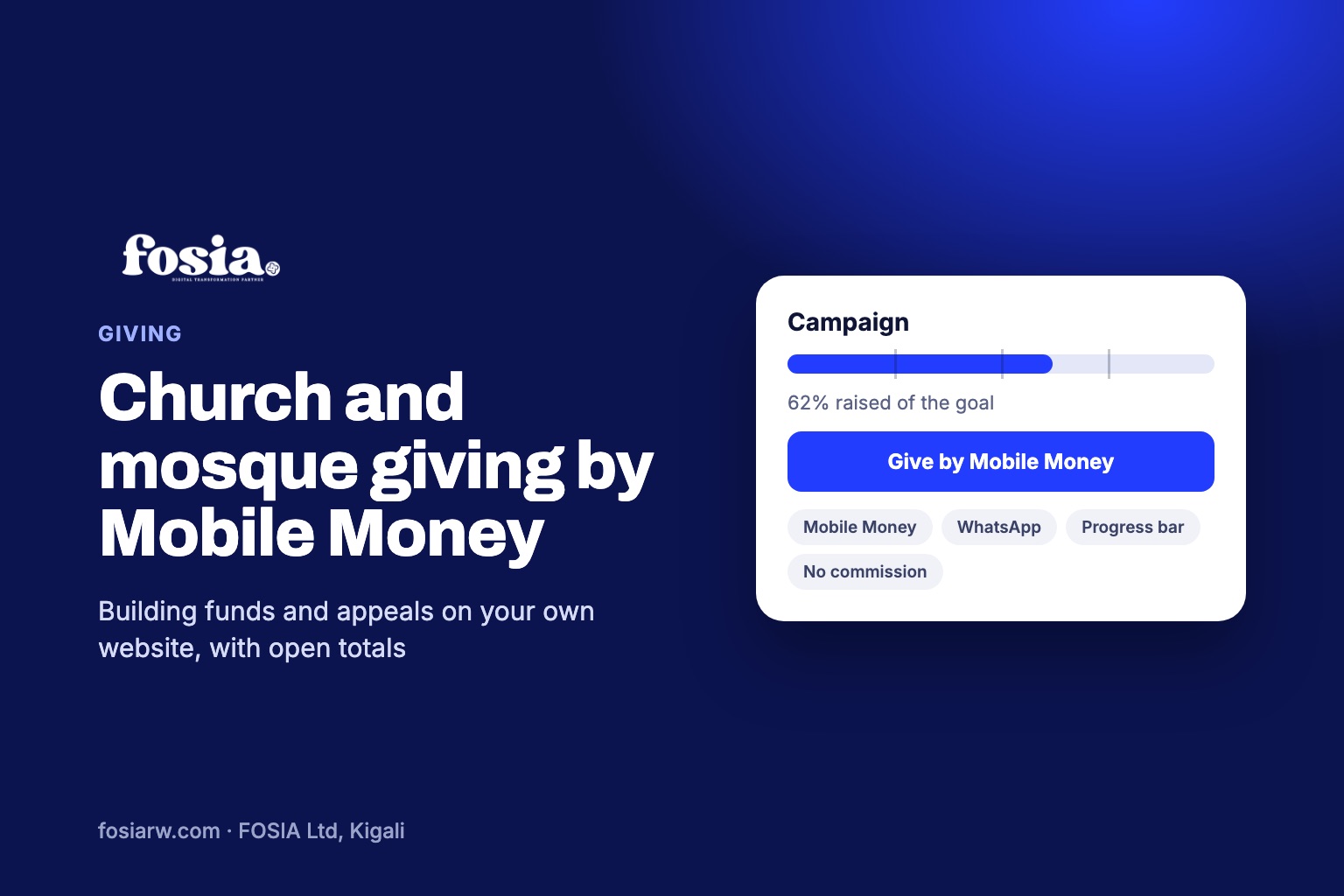
In short: a church, mosque or any place of worship can collect giving by Mobile Money on its own website with a fundraising plugin such as Fosia Crowdfunding. Members open a campaign page, choose an amount, approve it with their Mobile Money PIN, and the total and progress bar update once the payment is confirmed. The money goes straight to the community’s own payment account, and every member can see how close the project is to its goal.
In many congregations, giving has already moved to the phone. Members send their tithe, a building contribution or help for a family in need by Mobile Money. But too often the money goes to the personal number of a treasurer or a pastor, the totals live in a notebook or a WhatsApp group, and nobody outside the committee knows how far the project has come. A small website page can change that, and build trust at the same time.
Why a giving page on your own website
- Trust. Gifts go to the institution’s account, not to a person’s phone. The goal, the amount raised and the list of recent givers are visible to everyone.
- Reach. Members who moved to another city or abroad can give with one link, without calling anyone for a number.
- Less work for the treasurer. Each gift is recorded automatically, with the date, the amount and the giver’s name or “Anonymous”, and can be exported to a spreadsheet.
- Your name, your page. The campaign lives on your website, with your photos and your words, not on a third-party platform.
What members see
A campaign page made with Fosia Crowdfunding shows a cover photo, the story of the project, the goal with milestones at 25, 50 and 75 percent, the number of givers and the days left. To give, a member:
- picks a suggested amount or types their own;
- can choose to stay anonymous and leave a short message or prayer intention;
- enters their phone number and approves the payment on the phone with their Mobile Money PIN.
Once the payment is confirmed, the total, the progress bar and the recent givers update. The public list shows a first name and an initial, or “Anonymous”, and never a phone number. That matters in a community where everybody knows everybody.
Ideas of campaigns for a place of worship
| Campaign | How to present it |
|---|---|
| Building or roof fund | A clear goal, a photo of the site, updates at each stage of the works |
| Special appeal | Help for a family after a funeral, a fire or an illness, with the family’s agreement |
| Youth camp or choir trip | Reward tiers (Pro), for example “sponsor one young person’s meals” |
| Equipment | Chairs, a sound system, a water tank: a goal people can picture |
| Community project | A school, a well or a health outreach run by the congregation |
The free Lite version already runs as many campaigns as you need, for example a building fund all year and a seasonal appeal next to it.
Sharing, the WhatsApp way
Most giving happens after an announcement: at the end of a service, in the youth WhatsApp group, in a message from the leadership. Fosia Crowdfunding is built for that. Each campaign has buttons to share on WhatsApp or copy the link, and a QR code you can print on a poster at the entrance or show on the screen during announcements. Members scan, give and see the bar move.
Post short updates as the project moves: “the foundation is done”, “we reached 50%”. The campaign page has an updates timeline for exactly this, and each update is a good reason to share the link again.
Cash in the offering basket counts too
Not everybody gives by phone. With the Pro licence, the treasurer can record offline gifts such as the cash from the offering basket, so the goal shown on the page reflects everything the community gave, not only the digital part. Pro also adds proof of spending, printable QR posters, reward tiers and a donor dashboard.
Money, fees and transparency
Fosia Crowdfunding runs on WordPress with WooCommerce and the Fosia Pay plugin, connected to the institution’s own PawaPay account. Gifts go straight to that account. FOSIA never holds the money and takes no commission on donations; only PawaPay’s own processing fees apply. Fosia Pay covers 21 African countries and more than 40 Mobile Money networks, depending on what PawaPay has enabled on the account.
A few good practices for leaders:
- Open the payment account in the name of the institution, with two signatories.
- Publish the goal and what it pays for, then publish an update when the money is spent.
- Export the donations log (CSV) every month for the finance committee.
- Check the rules that apply to public fundraising and to religious organisations in your country, and follow them.
What it costs
Fosia Crowdfunding Lite is free, with unlimited campaigns and donations, WhatsApp and QR sharing, budget lines, updates and a CSV export of the donations log. Crowdfunding Pro costs $29.99 per year or $89 once for life ($69 for the first 100 buyers), paid by Mobile Money in local currency, with a full refund within 14 days. Pro adds offline gifts, proof of spending, reward tiers, a donor dashboard and Divi 5 modules.
No website yet? FOSIA builds and runs websites for organisations through Digital-as-a-Service, Mobile Money payments included.
Frequently asked questions
Can members give anonymously?
A giver can choose to appear as “Anonymous”. Even when a name is shown, the page displays only a first name and an initial, never the phone number.
Does the money go to FOSIA first?
No. Gifts go straight to the institution’s own PawaPay account. FOSIA never holds the money and takes no commission on donations.
Can members abroad give?
Members can give from any of the 21 African countries Fosia Pay covers, with the Mobile Money networks PawaPay has enabled on your account. Share the campaign link in your diaspora groups.
Can we record the cash collected during the service?
Yes, with Crowdfunding Pro: the treasurer records offline gifts and they are added to the total and the progress bar.
Do we need a WooCommerce shop?
Yes, WooCommerce is required: each gift is recorded as a WooCommerce order. You do not need to sell products. For Mobile Money you also install Fosia Pay, whose Lite version is free.
See how a campaign page looks on the Fosia Crowdfunding page, or book a free call and we will help your community set up its first campaign.