

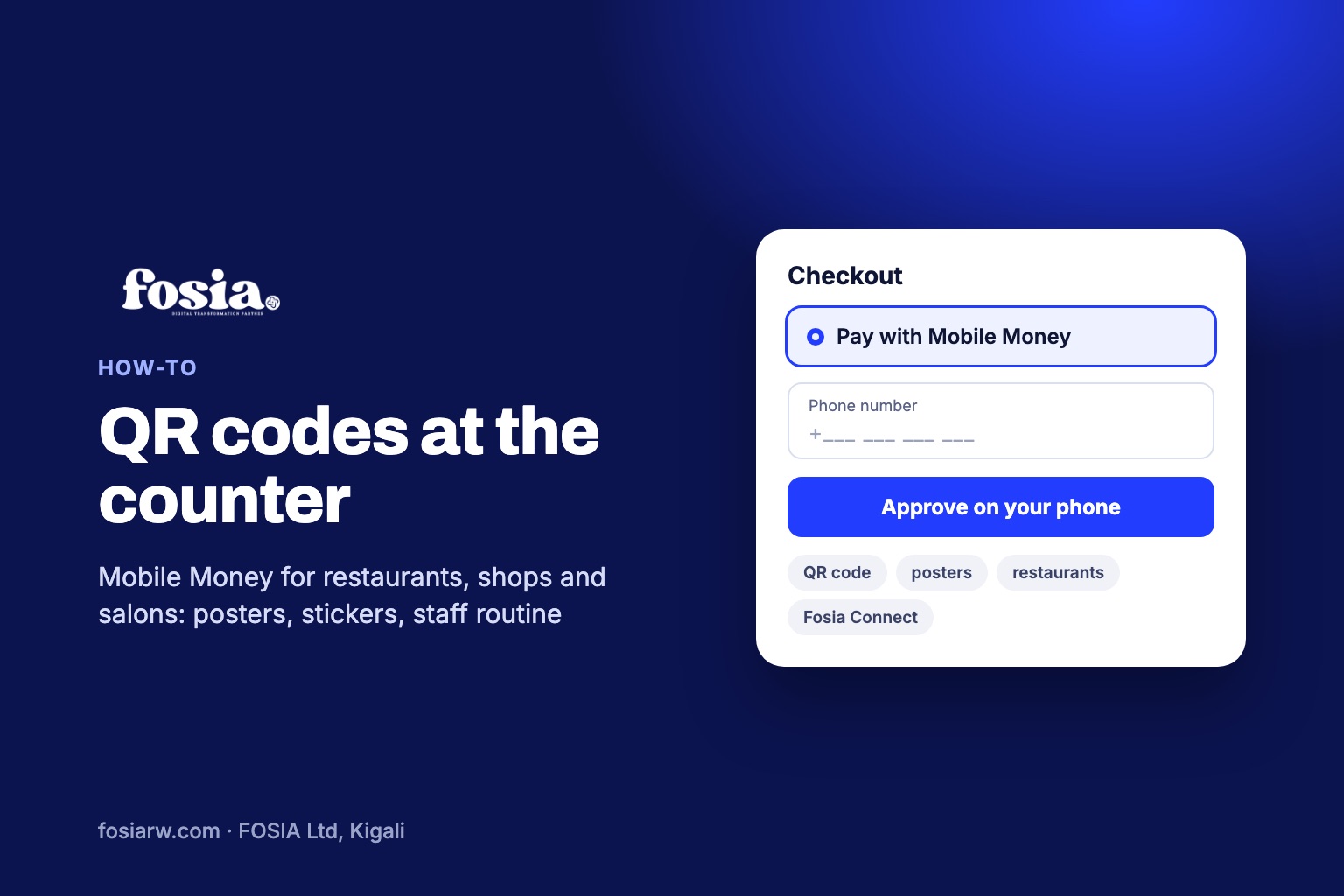
In short: a Mobile Money QR code at your counter is a printed payment link. The customer scans it with the phone camera, enters or confirms the amount, approves with the Mobile Money PIN, and the payment lands in your own PawaPay account. If you sell on WooCommerce, Fosia Pay Pro makes the links, A4 or A5 posters and table stickers; if you have no WordPress site, Fosia Connect does the same from a web account.
At a café in Kigali, the waiter reads out a phone number, the customer types it, sends the money, and both wait for the SMS. At a salon in Accra, a client shows a payment screen that nobody can really check. At a hardware shop in Lusaka, the queue grows while the cashier spells a number twice. A QR code removes the typing and the guessing: the amount and the receiving account are inside the link, and you check the result in your own dashboard.
How paying at the counter works
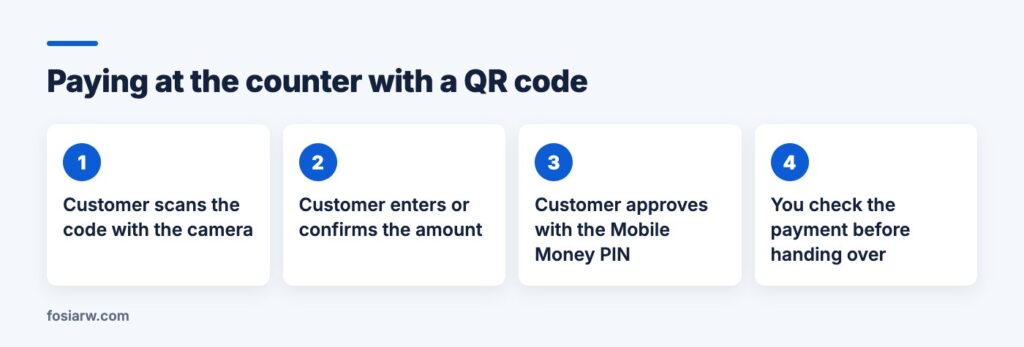
No special app is needed: the poster tells the customer to open the phone camera, scan, and approve with the Mobile Money PIN. Behind the code is a payment link with either a fixed amount or an amount the customer chooses. The networks the customer can use are the ones enabled on your PawaPay account; Fosia Pay prints the Mobile Money networks of the link’s currency on the poster, so a customer knows before scanning.
Fixed or open amount: which one for your business?
This is the main decision, and it depends on how your prices work:
| Business | Link type | Where to put it |
|---|---|---|
| Restaurant, bar, café | Open amount: the customer types the bill total | Table stickers, one code for every table |
| Salon, barber, spa | Fixed amount per service or deposit | A5 poster per service at the mirror or reception |
| Shop, pharmacy counter, hardware | Open amount at the till, fixed for best-sellers | A4 poster at the till |
| Events, cake orders, workshops | Fixed deposit or ticket price | Poster at the door, and the same link on WhatsApp |
With an open amount, the customer types the figure, so your staff must check that it matches the bill. With a fixed amount, nobody types anything, which suits a salon menu or a deposit: “Box braids, 25,000 RWF” or “Wedding cake deposit, 50,000 RWF”.
Printing posters and table stickers that scan
In Fosia Pay Pro, every payment link has print options described on the features page:
- A4 or A5 poster with your logo, the amount, the QR code, the networks of that currency and three steps to pay.
- A sheet of six table stickers with cut lines, for restaurant tables or a market stall.
- A QR code in your brand colour, with light colours darkened so it still scans, and your site icon in the centre if you want. Codes use the highest error correction (level H), which is why they still scan with a logo in the middle.
- A short address on your own domain, like shop.rw/pay/cake, printed under the code for customers whose camera does not scan.
- PNG (2048 px) or SVG downloads for a printer or a menu designer.
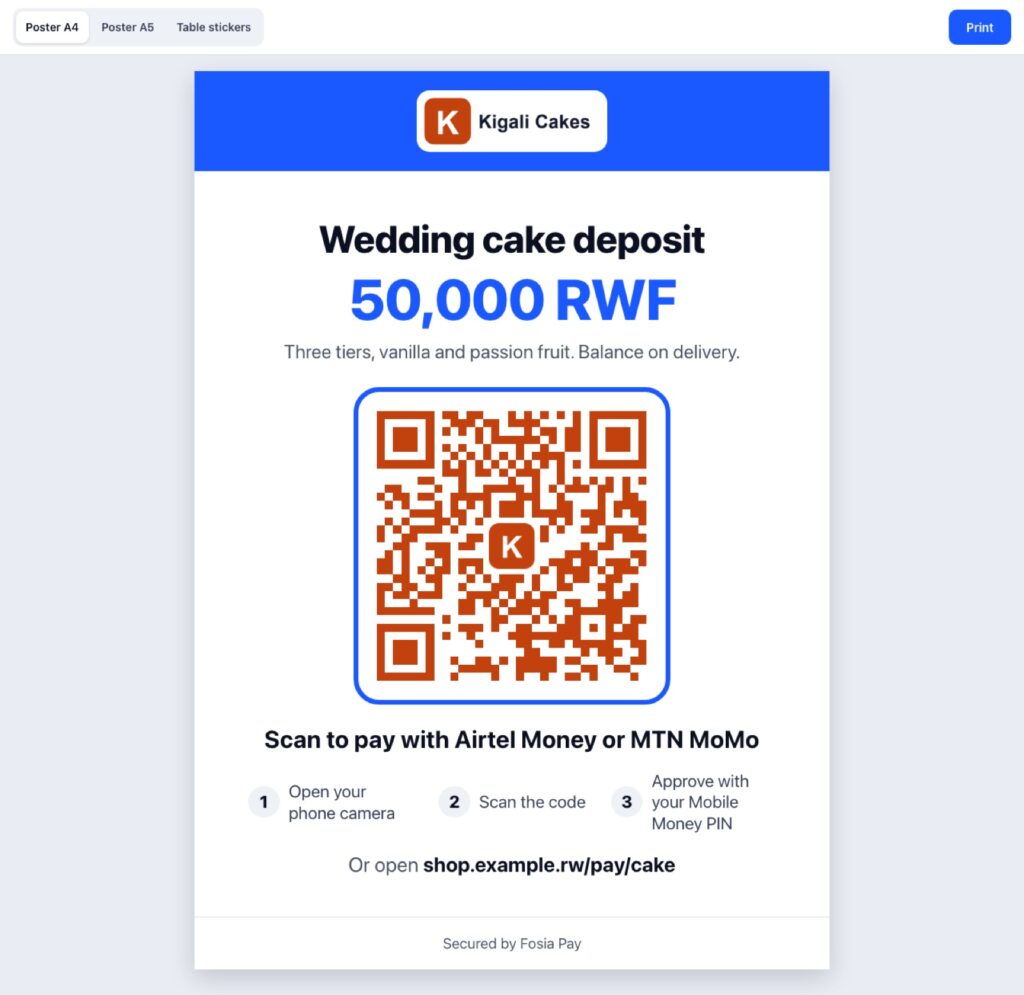
Laminate table stickers, and look at your posters from time to time: a code that is torn, faded or covered by another sticker should be reprinted.
The same link beyond the counter
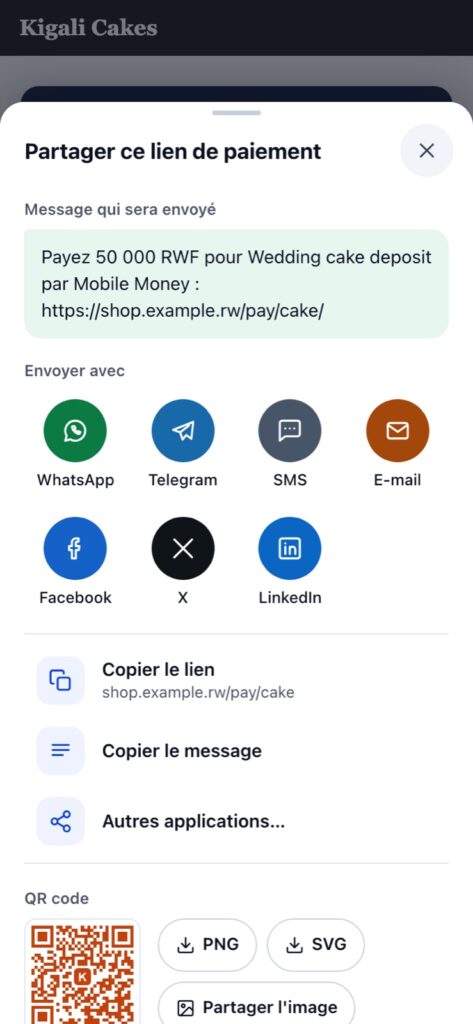
The link behind the poster also works in messages. A share sheet sends it on WhatsApp, Telegram, SMS, e-mail, Facebook, X or LinkedIn, with a message you write once using {title}, {amount}, {url}, {merchant} and {description}. Share links are plain links to each network’s own share page, with no tracker added. A regular customer who orders lunch by phone can pay with the same link before the delivery leaves.
A staff routine that stops fake payments
The weak point of counter payments is rarely the technology: it is a busy cashier who trusts a screen. Agree on three rules:
- Goods leave when the payment shows as successful in your dashboard, on the shop phone or till, never on the strength of a customer’s screen, a forwarded SMS or a screenshot.
- Check the amount on open-amount payments against the bill.
- If it fails, offer to try again, or another network. PawaPay notes that some operators handle only one transaction at a time, so a customer who missed the PIN prompt may need to wait a moment before retrying.
Your numbers help too: Fosia Pay shows payments, views and conversion for each link, so you can see whether the table stickers or the till poster bring in more.
No WordPress? Fosia Connect does it from a web account
Many restaurants and salons have no website, or a site that is not WordPress. Fosia Connect gives them payment links for a fixed or open amount, QR codes to print on A4 or A5 posters, and a payment page at connect.fosiarw.com/@yourname for your Instagram, TikTok or WhatsApp profile. It also uses your own PawaPay account: Fosia never holds the money and takes no percentage. You buy prepaid credits instead, 1 credit per successful payment whatever the amount, and failed or cancelled payments cost nothing. Each link shows its successful payments and amount collected, with a CSV export for your accountant.
Already on WooCommerce? Fosia Pay Pro ($19.99 a year or $59 once for life) includes payment links, sharing, posters and stickers, next to your online checkout. On a Divi 5 site, the Payment Link Card module can put the same link on any page.
Frequently asked questions
Can one QR code serve every table?
Yes, with an open-amount link: each customer types their own bill total. Staff then check the amount before clearing the table.
Which networks can customers pay with?
The ones enabled on your PawaPay account for that country. The Fosia Pay poster lists the networks of the link’s currency.
Do I need a website to use a QR code?
No. Fosia Connect works without any website. If you already run WooCommerce, the links come with Fosia Pay Pro.
Does FOSIA take a percentage of counter sales?
No. Fosia Pay is a flat licence and Fosia Connect uses prepaid credits per successful payment; only PawaPay’s own fees apply on top.
Ready to put a code on your counter? See what Fosia Pay Pro includes on the pricing page, or open Fosia Connect if you have no WordPress site. More ideas: selling on WhatsApp with payment links, getting paid without a website, and our guide to restaurant websites in Kigali.