

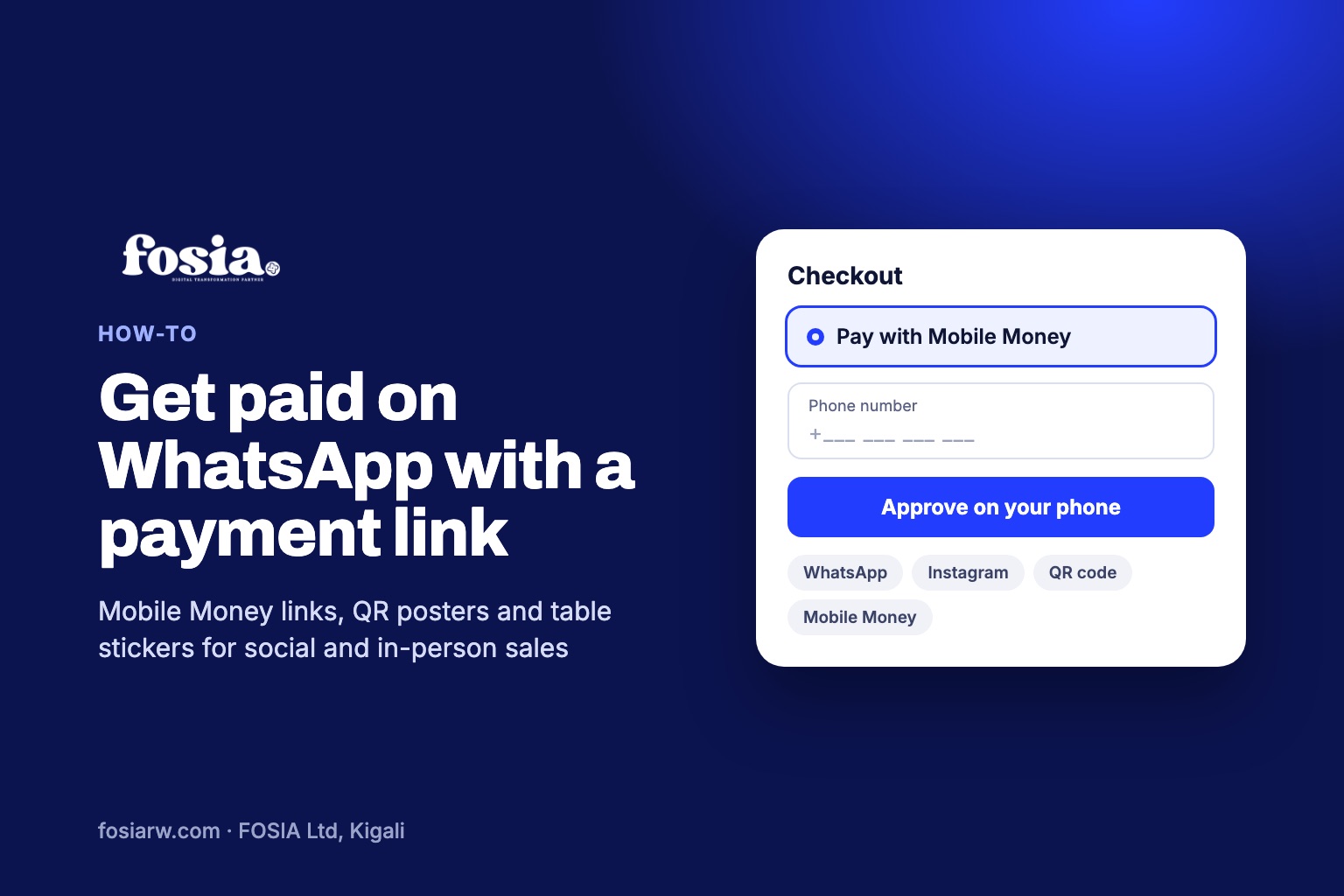
In short: a Mobile Money payment link is a web address you send in a chat or post on a profile; the customer opens it, enters their phone number and approves the payment with their PIN, and the payment is confirmed for you automatically. With Fosia Pay Pro, each link also comes with a QR code and a printable poster, so the same link works on WhatsApp, on Instagram and at your shop counter. The money goes to your own PawaPay account.
A lot of selling in Africa happens far from any website. A tailor in Kampala shows new designs on her WhatsApp Status. A cake maker in Kigali takes orders by direct message on Instagram. A caterer in Accra agrees the menu on a voice call. Then comes the awkward part: “Send the money to this number and share the screenshot.” This guide shows a cleaner way to get paid in those chats, without building a full online shop first.
Why “send money to my number” costs you
Asking for a transfer to a personal number feels simple, but it hides real work and real risk:
- You check every payment by hand. Someone has to compare the Mobile Money messages with the chats, one by one.
- A screenshot is not a payment. An image can be edited or reused. Only the money arriving proves anything.
- Your business and personal money mix. At the end of the month, it is hard to say which transfer was a sale.
- Customers in another country cannot pay easily if your number is on a network or in a currency they do not use.
What a Fosia Pay payment link is
Payment links are part of Fosia Pay Pro, Pro + AI and Agency, the WooCommerce plugin built by FOSIA in Kigali. Each link has:
- A fixed amount or an amount the customer chooses. Use a fixed amount for a product, an open amount for a deposit or a custom order.
- A short address on your own domain, so customers see your shop’s name, not a stranger’s website.
- A QR code for printing or showing on screen.
- A share message you can edit, with placeholders such as {title}, {amount} and {url} filled in for you.
- Statistics per link: views, payments and conversion, so you can see which post or chat actually sells.
Behind the link, the payment runs through your own PawaPay account, across 21 African countries and 40+ Mobile Money networks (availability depends on what PawaPay has enabled on your merchant account). FOSIA takes 0% commission; only PawaPay’s processing fees apply.
Sharing on WhatsApp and Instagram
From the link, one tap opens the share menu with your message ready. Fosia Pay offers WhatsApp, Telegram, SMS, email, Facebook, X and LinkedIn as sharing options, and it adds no tracker to these share links. A good pattern on WhatsApp:
- Agree the order in the chat as usual.
- Send the link with the amount and a short line: “Tap to pay with Mobile Money, you will get a prompt on your phone.”
- Wait for the payment to show as completed in your dashboard before you deliver.
Instagram is not one of the one-tap share buttons, but the link is a normal web address: copy it and paste it into your bio, a direct message or wherever you list your offers. For a product you sell often, a fixed-amount link in your bio works like a small checkout that is always open.
Selling in person: posters and table stickers
The same link works offline. Fosia Pay generates:
- A4 or A5 posters with your logo, the amount, the QR code, the Mobile Money networks for that currency and three payment steps, ready to print for a market stall, a salon or a reception desk.
- A sheet of six table stickers with cut lines, for restaurants, cafés or event tables.
The QR codes use a high error correction level (level H), so they still scan with your logo in the centre. You can download them as PNG (2048 px) or SVG, and each export is checked with two independent QR decoders before you print it.
What your customer sees
When the customer opens the link and enters their number, the payment screen shows your shop, the amount in their Mobile Money currency and the approval steps for their operator, in English or French. The phone number is masked except for the last digits. If the prompt does not arrive, the customer can ask for it again; Fosia Pay first checks the first request with PawaPay, so nobody is charged twice.
| Transfer to your number | Fosia Pay payment link | |
|---|---|---|
| Who confirms the payment | You, by checking messages | Confirmed automatically through PawaPay |
| Proof | A screenshot from the customer | A completed payment in your dashboard |
| Where the money lands | Your personal wallet | Your business PawaPay account |
| Works on posters | Only by writing the number | QR poster or sticker |
| Sales figures | Counted by hand | Views, payments and conversion per link |
Which plan do you need?
Payment links, sharing and posters come with Fosia Pay Pro ($19.99 a year, or $59 once for life), Pro + AI and Agency. If you charge the same customers every month, for example for classes or a subscription box, Pro + AI ($39.99 a year) adds recurring payments with monthly invoices sent by email. Fosia Pay Lite, a free download on pay.fosiarw.com (coming to WordPress.org), covers checkout on your WooCommerce store but not payment links. Yearly licenses never renew automatically, and the pricing page lists everything, with a full refund within 14 days.
New to Fosia Pay? Start with our overview of Mobile Money checkout on WooCommerce. Selling in Kenya or West Africa? See our guides to M-Pesa on WooCommerce and to Orange Money and Wave (in French). Raising money rather than selling? Look at Fosia Crowdfunding.
Frequently asked questions
Do I need a full online shop to use payment links?
Fosia Pay is a WooCommerce plugin, so you need a WordPress site with WooCommerce installed.
Can the customer choose the amount?
Yes. Each link can have a fixed amount or let the customer type their own, which suits deposits, custom orders and tips.
Will the QR code still work if I add my logo?
Yes. The codes use level H error correction so they scan with a logo in the centre, and every export is checked with two QR decoders.
Can someone in another country pay my link?
Yes, if their country and network are enabled on your PawaPay account. The amount is converted to the customer’s Mobile Money currency.
How do I know which post brings sales?
Create a separate link per channel or campaign. Each link shows its own views, payments and conversion.
Want to stop chasing screenshots? See the Fosia Pay Pro plans and create your first link, or book a free call and we will help you set it up.