

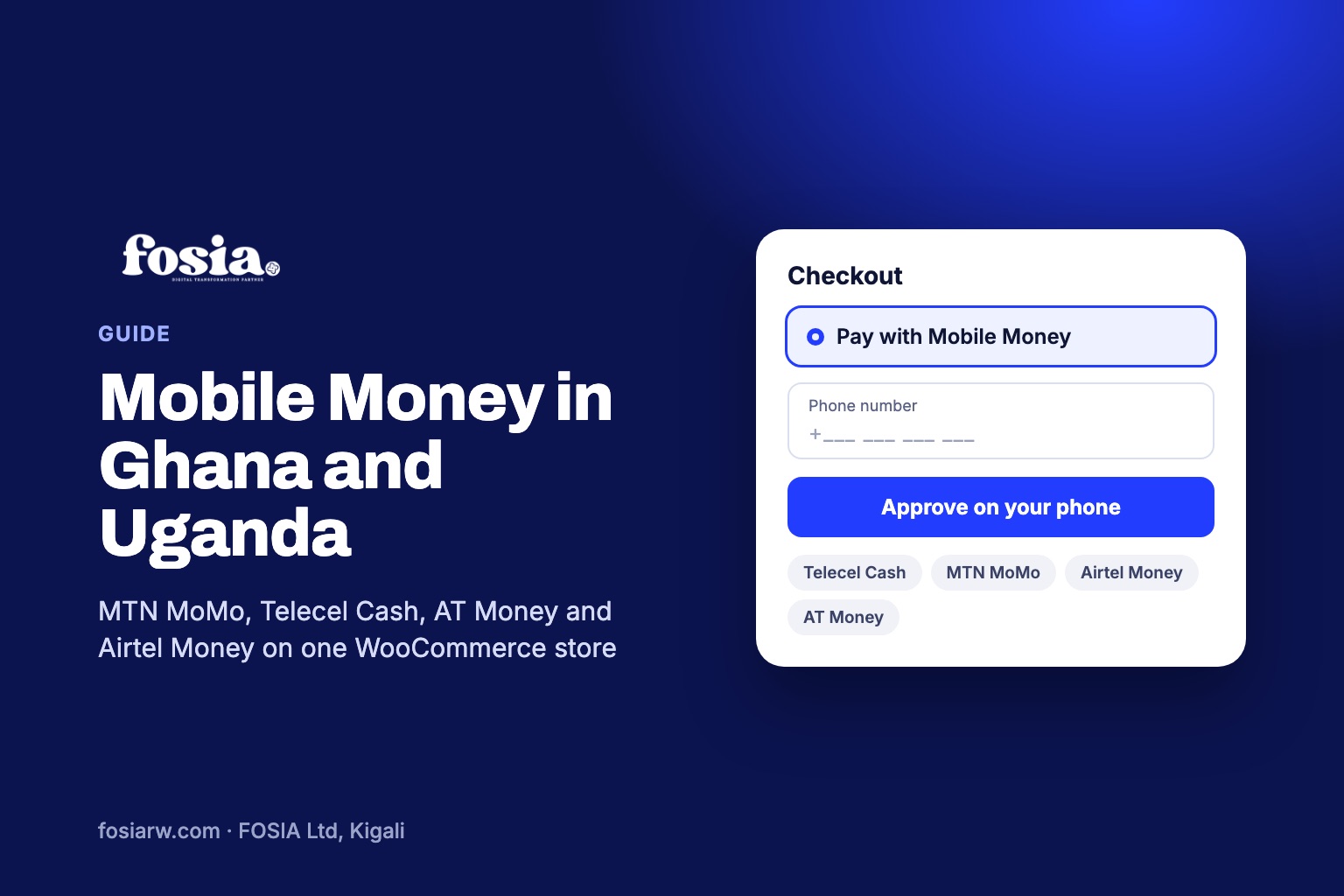
In short: you can accept MTN MoMo, AT Money and Telecel Cash on WooCommerce in Ghana, and MTN MoMo and Airtel Money in Uganda, through a PawaPay merchant account and a plugin such as Fosia Pay. PawaPay lists all five networks and none of them is reserved for its Enterprise plan. One store can serve both countries: the customer’s phone number decides the network and the currency, cedis or shillings.
In Ghana and Uganda, MTN is not the only Mobile Money network. A shop in Kumasi that only takes MTN turns away Telecel customers; a shop in Kampala that only takes MTN turns away Airtel customers. Here is how to cover every network PawaPay offers in both countries, from the same WooCommerce store.
The networks, country by country
PawaPay’s markets page and its technical list of providers give this picture:
| Country | Networks | Currency | Decimals in amounts |
|---|---|---|---|
| Ghana | MTN, Telecel, AT (AirtelTigo) | Ghanaian cedi (GHS) | Yes, 2 places, on all three |
| Uganda | MTN, Airtel | Ugandan shilling (UGX) | MTN: 2 places. Airtel: none |
A naming note for Ghana: Telecel Cash is Telecel’s Mobile Money service in Ghana. Paystack’s help centre describes Telecel as “formerly called Vodafone”, and PawaPay’s technical code for it still contains the word Vodafone. If a developer sees that code, it is the same network.
On PawaPay’s plans page, none of these five networks appears in the list of operators that are only available on the Enterprise plan. As always, check with PawaPay which networks it enables on your own merchant account.
Cedis and shillings at checkout
Ghanaian amounts can carry pesewas, so a price of GHS 149.50 is fine on all three Ghanaian networks. Uganda is different: PawaPay lists Airtel Uganda as not supporting decimals in amounts. If your store prices in UGX, keep them in whole shillings, for example UGX 85,000.
If your store prices in dollars, because you sell to both countries or to the diaspora, Fosia Pay reads the country and currency from the customer’s phone number, converts the price into cedis or shillings, and always sends the amount in a format the operator accepts. A buyer with a +233 number approves cedis; a buyer with a +256 number approves shillings.
Other ways to take Mobile Money in these two countries
To be fair to the alternatives: Paystack’s WooCommerce plugin lists Mobile Money in Ghana, and its help centre names MTN, AT and Telecel there. Uganda is not among the four countries its plugin is aimed at. Flutterwave’s developer docs list Mobile Money for both Ghanaian cedis and Ugandan shillings, alongside cards. If you also need cards on the same account, those are worth a look; we compared them in PawaPay, Flutterwave or Paystack. If your customers mostly pay by Mobile Money and you may add more African countries later, PawaPay with Fosia Pay keeps one setup for 21 countries.
Test every network before going live
PawaPay’s sandbox has test numbers for each network. These are the ones to start with:
| Network | Successful payment | A failure to try |
|---|---|---|
| MTN Ghana | 233593456789 | 233593456039: payment not approved |
| Telecel Ghana | 233503456789 | 233503456049: insufficient balance |
| AT Ghana | 233273456789 | 233273456069: unspecified failure |
| MTN Uganda | 256783456789 | 256783456019: payer limit reached |
| Airtel Uganda | 256753456789 | 256753456039: payment not approved |
For each success, check that the WooCommerce order moves to Processing by itself. For each failure, check that the order is not marked as paid and that your customer would understand what to do next. Fosia Pay marks an order as paid only after verifying PawaPay’s signed confirmation, so a fake notification cannot do it.
Setting up in four steps
- Open a PawaPay sandbox account and ask for Ghana and Uganda networks on your production account.
- Install Fosia Pay Lite, free on WordPress.org, and paste your API token under WooCommerce, Settings, Payments.
- Copy the callback URL into PawaPay and turn on signed callbacks.
- Run the tests above, then switch to your live token.
The Fosia Pay guide shows each screen, and our block checkout guide helps if the payment option does not appear.
Fewer failed payments with Pro
With five networks, mistakes happen: a digit missing, an operator having a bad hour, a wallet limit. Fosia Pay Pro ($19.99 a year or $59 once for life) checks the number as the customer types and shows the network it detected, alerts you to operator outages, and offers a one-tap retry that tells the customer why the first try failed. It also adds a native checkout without redirect, refunds from the order screen and payment links for WhatsApp and Instagram sales. Lite stays free, with unlimited payments on one site. FOSIA takes 0% commission on every plan: only PawaPay’s own processing fees apply. See the pricing page.
Frequently asked questions
Is Telecel Cash the same as Vodafone Cash?
Paystack’s help centre describes Telecel as formerly called Vodafone, and PawaPay’s technical code for the network still says Vodafone. For your customers, it is the Telecel Cash wallet they use today.
Do I need PawaPay’s Enterprise plan for Ghana or Uganda?
Not according to PawaPay’s plans page, which lists no Ghanaian or Ugandan operator as Enterprise-only. Your account still has to be approved and the networks enabled.
Can a store in Accra take payments from customers in Kampala?
Yes, if PawaPay enables Uganda on your account. The customer’s number decides the network and the currency.
What does “payer limit reached” mean?
It is PawaPay’s failure code for a customer who has hit a limit on their wallet. The customer can try a smaller amount or another wallet.
Does this also work for Rwanda?
Yes. See our guide to MTN MoMo and Airtel Money in Rwanda.
Ready to cover every network in Ghana and Uganda? Download Fosia Pay Lite and run the sandbox tests today, or book a free call and we will set it up with you.