

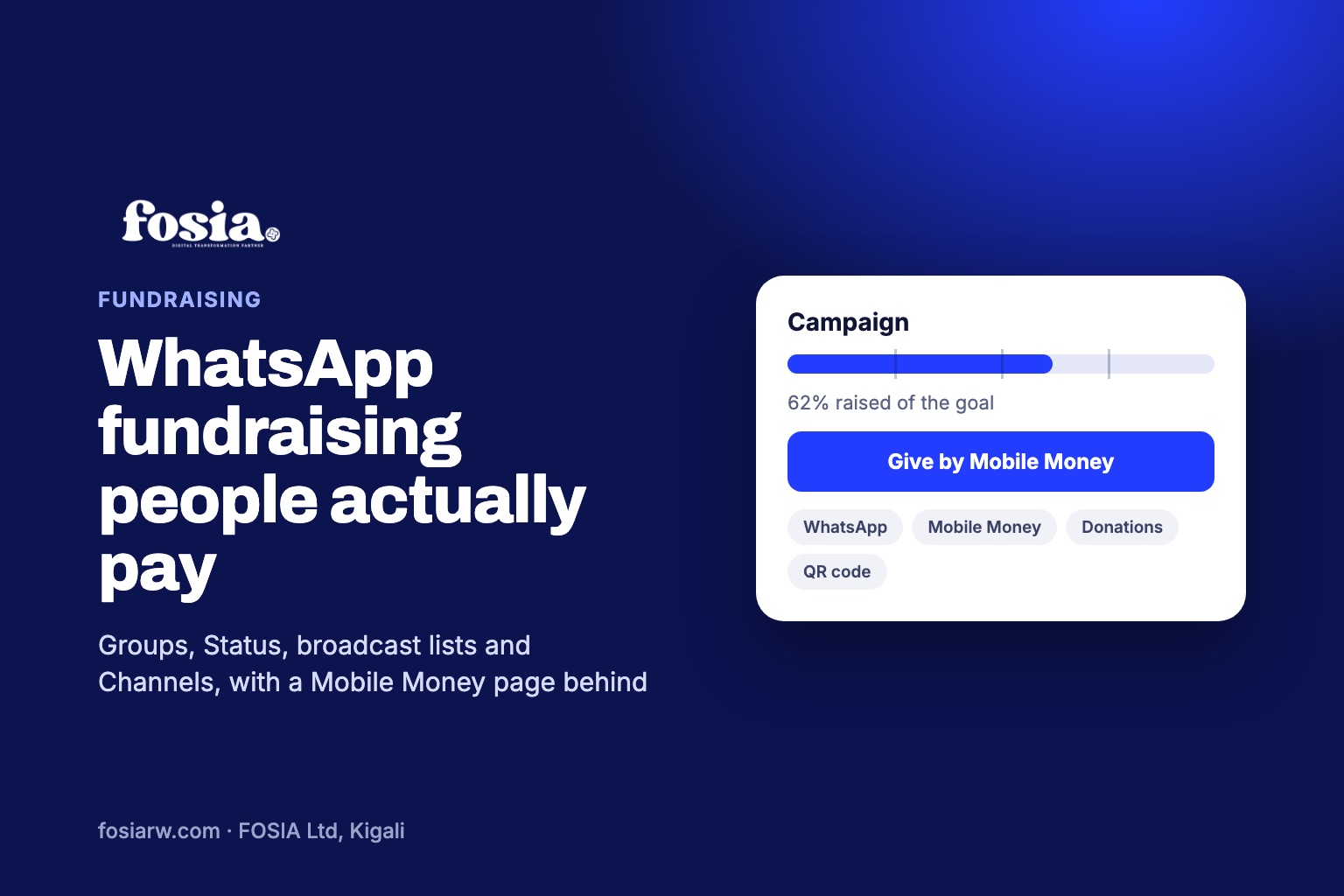
In short: WhatsApp fundraising works when every message points to one campaign page where people can give by Mobile Money in a few taps, see progress and read updates. Share that page in groups, on your Status (which disappears after 24 hours, so post again), through broadcast lists and, for organisations, a WhatsApp Channel. Fosia Crowdfunding puts that page on your own WordPress site, with WhatsApp sharing and a QR code included in the free version.
Many fundraisers in Africa now start on WhatsApp. A cousin posts the news in the family group, a few people send money to a number, then the messages slow down and nobody knows how much has been raised. The problem is rarely generosity. It is that a chat is not a fundraising tool. Here is how to use WhatsApp for what it does best, sharing and reminding, and leave the money to a proper page.
Why “send to this number” runs out of steam
- No visible total. Donors cannot see progress, so they do not feel the last push is needed.
- No trust trail. Screenshots of transfers get lost in the chat, and some people hesitate to send money to a personal number.
- No updates in one place. New members of the group never see the story from the start.
- Privacy problems. Lists of names and amounts posted in a group expose people who would rather give quietly.
A campaign page fixes all four. WhatsApp then becomes the delivery truck, and the page is the shop.
The page behind every message
Fosia Crowdfunding is a WordPress plugin built by FOSIA in Kigali. Each campaign has a goal, a progress bar, budget lines and updates. A donor taps the link, enters a phone number and confirms the payment on the phone with MTN MoMo, Airtel Money, M-Pesa, Orange Money, Wave or another supported network.
- The money goes straight to your own PawaPay account. FOSIA never holds it and takes no commission; only PawaPay’s processing fees apply.
- Recent donors are shown anonymously by default, never with a phone number, so a screenshot of the page is safe to share.
- WhatsApp sharing, copy link and a QR code are built into the free Lite version.
You need WooCommerce and Fosia Pay; Fosia Pay Lite is free on WordPress.org. Fosia Pay covers 21 African countries; availability depends on what PawaPay has enabled on your merchant account.
Four WhatsApp tools, four jobs
| Tool | What it is good for | Watch out for |
|---|---|---|
| Groups | Family, alumni and church groups where people already talk | Ask the admin first; do not flood the group |
| Status | Reaching all your contacts with a photo and the link | Updates disappear after 24 hours, so repost at key moments |
| Broadcast lists | A personal-looking message to many contacts at once | Only people who have saved your number receive it |
| Channels | Organisations that post regular news to followers | One-way: followers react or vote in polls but cannot reply |
WhatsApp’s help centre also notes that followers of a Channel do not see the admin’s phone number unless they have it saved as a contact, which suits a school or an NGO that does not want a staff member’s personal number on show.
A message plan for a three-week campaign
Day 1: the launch
“Dear family, Mama Grace needs surgery on 2 December. The hospital has quoted the full cost and we have split it into clear lines on this page. You can give by Mobile Money from your phone, and you will see every update here: [link]. Thank you for reading and sharing.”
Day 4: the first update
Share progress, not pressure: “We are at 35% thanks to 42 people. The surgery deposit is covered. Next: the hospital stay.”
Week 2: the personal ask
Send a short private message to people who have not seen the campaign. Personal beats mass: one line, their name, the link.
Last 48 hours: the final push
“We are 15% from the goal and close the page on Sunday.” A clear deadline gives people a reason to act now.
After: thank and report
Post a final update with what was spent and a photo if the family agrees. Showing what the money did is the best thank-you for the people who gave.
Bring the offline crowd in
Not everyone reads a long message. Print the campaign QR code for the church notice board, the funeral gathering or the school gate, and let people scan and pay. The Pro version of Fosia Crowdfunding ($29.99 a year or $89 for life) adds printable QR posters, a live donations list, milestones, proof of spending with receipts, and offline gifts so cash handed over at a gathering is recorded with its source.
Pro also offers group collections: each relative or friend can open their own page for your campaign and share it in their own WhatsApp groups, with their own goal. Every gift counts for both their page and the main campaign. That is how a campaign reaches circles the organiser does not know.
WhatsApp etiquette that protects the cause
- Add people to a group only if they agreed; never create a group of strangers.
- Do not post donors’ names or amounts in groups; let the page handle it anonymously.
- Answer questions privately and kindly, and put the answer in the next update.
- Stop posting once the goal is reached. Say thank you and close.
Need ideas by cause? Read our guides on church and mosque giving, medical fundraising (in French) and group collections and tontines (in French), or start with the Fosia Crowdfunding guide.
Frequently asked questions
Can people give without leaving WhatsApp?
They tap the link, which opens the campaign page in the browser, then confirm the Mobile Money prompt on their phone. Then they return to the chat.
Why does my Status post stop working after a day?
WhatsApp Status updates disappear after 24 hours. Post again at each milestone with a fresh photo or number.
My broadcast message did not reach some contacts. Why?
Broadcast messages only reach people who have saved your number in their contacts. Ask close supporters to save it, or share in groups instead.
Is it safe to share a screenshot of the campaign page?
Yes. Recent donors are anonymous by default and phone numbers are never shown.
Can several people share the same campaign?
Yes, anyone can share the link. With Pro group collections, each supporter can also have their own page that feeds the main total.
Ready to turn your WhatsApp messages into donations? Start with Fosia Crowdfunding Lite, free, or book a free call with the FOSIA team.