

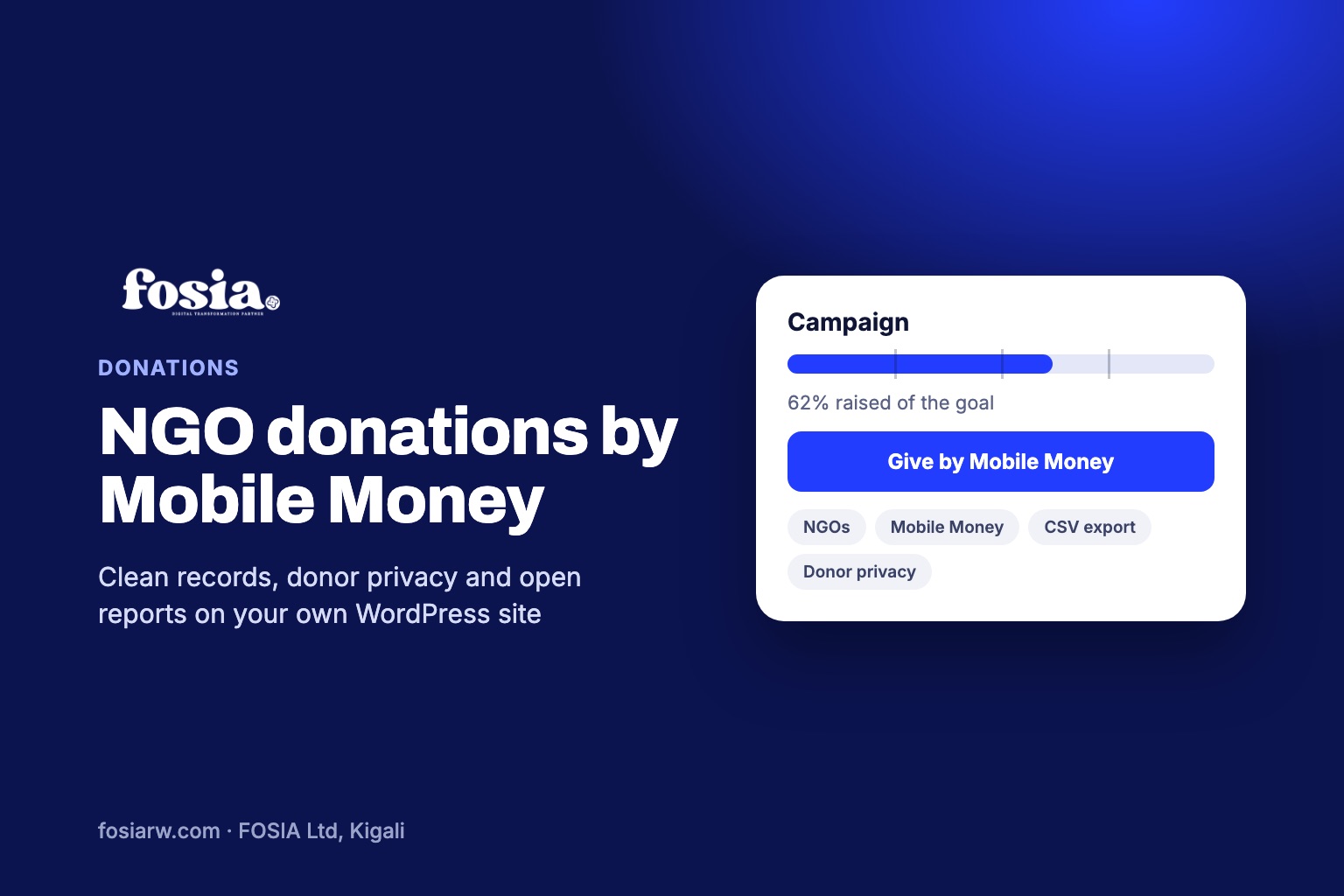
In short: to collect Mobile Money donations for NGOs and associations on WordPress, connect WooCommerce to your organisation’s own PawaPay merchant account with Fosia Pay, then run each appeal as a Fosia Crowdfunding campaign. Donors approve the payment on their phone, the money reaches your account directly with no FOSIA commission, and your treasurer gets a donations log and a CSV export for the books.
An NGO or an association does not only need money. It needs to explain where every franc, shilling or naira came from and where it went: to its board, its members, its auditors, its partners and sometimes its regulator. When gifts arrive on staff phones and are reported by message, that work becomes painful. This guide focuses on the organisation’s side: the account, the records, donor data and reporting.
Start with an account in the organisation’s name
Fosia Pay connects your WooCommerce site to your own PawaPay merchant account. FOSIA never holds the money and takes no commission on donations; only PawaPay’s own processing fees apply. For an NGO, open that merchant account in the organisation’s legal name, not a staff member’s. It keeps funds separate from personal money and makes the trail simple for auditors.
Fosia Pay covers 21 African countries and 43 Mobile Money networks, including MTN MoMo, Airtel Money, Orange Money, M-Pesa and Wave; availability depends on what PawaPay has enabled on your merchant account. Fosia Pay Lite is a free download on pay.fosiarw.com, coming to WordPress.org. The Fosia Pay guide for WooCommerce walks through the setup, including the sandbox test.
Because donations are WooCommerce orders, any WooCommerce payment method can take them. If you also receive gifts from abroad, add a card gateway such as Stripe or PayPal next to Mobile Money.
One campaign per programme
Donors give more readily to something specific than to “general funds”. Instead of one big donate button, open a campaign for each programme or appeal: a nutrition project, a scholarship fund, an emergency response. Each gets its own story, goal, end date and budget lines that say what the money will pay for.
The licence adds tools that matter to institutions:
- Matching sponsor: when a partner promises to match gifts, its contribution is shown apart from the amount raised by the public.
- Impact tiers and meter: link an amount to a result donors can picture.
- Group collections: volunteers and ambassadors open their own pages for your campaign, which you approve or switch off, with spam protection.
- Reward tiers for donors who give a set amount.
Records your treasurer and auditors will ask for
| Need | What Fosia Crowdfunding gives you |
|---|---|
| A list of every online gift | Donations log and CSV export (Lite and licence) |
| Gifts that did not come through the website | Offline gifts (cash, collection, bank transfer) recorded with their source and shown separately (licence) |
| Refunds handled correctly | A refunded donation is taken back out of the totals automatically |
| Proof that money was spent as promised | Proof of spending: a timeline of purchases with a receipt or photo (licence) |
| Regular donors who want their history | Donor dashboard: logged-in donors see every gift they made (licence) |
Export the CSV at the end of each month and reconcile it with your PawaPay statement. Two documents that match are the simplest proof of good management.
Donor privacy and data protection
Donors trust you with their names, phone numbers and e-mail addresses. Fosia Crowdfunding is built to limit what is shown: on the public page a gift appears as “Anonymous” unless the donor ticks “Show my first name on the page”, and then only the first name and an initial appear. Phone numbers and e-mails are never shown publicly and are never sent to the AI features. Receipt photos added to proof of spending are re-saved without GPS or camera data.
Your own obligations still apply. In Rwanda, for example, personal data is governed by Law No 058/2021 relating to the protection of personal data and privacy, supervised by the National Cyber Security Authority (NCSA). Other countries have their own laws. In practice:
- limit who in your team can open the CSV export;
- say in your privacy policy what you collect and why;
- delete what you no longer need, following your own retention rules.
Receipts, thank-yous and local rules
Fosia Crowdfunding does not present itself as a tool for official tax receipts. If your country lets donors deduct gifts, or requires a formal receipt, check what your tax authority expects and issue it from your accounting system, using the CSV export as the source.
For thank-you messages, the licence includes optional AI help that uses your organisation’s own Anthropic key. It can draft campaign text, updates and thank-you messages, and translate between French and English. It is off by default, and every text is a draft that a person reviews.
Finally, rules on public fundraising, NGO registration and funding from abroad differ from one country to another. Check with your regulator or a local legal adviser before a large public appeal.
Report openly, all year
Use the updates timeline after each step of a programme, not only at the end. With the licence, reaching 25, 50, 75 and 100% of a goal prepares an update draft for you to review. Pair each update with an entry in proof of spending, and donors can follow their money from gift to result.
Smaller associations can borrow ideas from our guides on school fees and community project fundraisers and on medical appeals (in French). For an overview of the plugin, see Mobile Money fundraising with Fosia Crowdfunding.
No shop on your website? Fosia Collect
Fosia Crowdfunding builds on WooCommerce. If your website has no shop and you only need a Donate or Pay button, Fosia Collect, the new free plugin from FOSIA, adds a Mobile Money form to any WordPress page, without WooCommerce. Supporters pick an amount and approve the payment with their PIN. Each payment is checked with your own PawaPay account before it shows as paid, and the money settles in that account, with no commission. You get totals per form, e-mail receipts, anonymous giving and a CSV export. Keep Crowdfunding when you need a full campaign page with a goal, a progress bar and updates.
Frequently asked questions
Should the PawaPay account be in the NGO’s name?
We recommend it. Fosia Pay connects your own merchant account, and an account in the organisation’s legal name keeps donations separate from personal money.
Can our treasurer export the donations for the accounts?
Yes. The donations log and CSV export are included in Lite and with the licence, and refunded gifts are removed from the totals automatically.
Does the plugin issue tax receipts?
It is not presented as a tax receipt tool. Check your country’s requirements and issue formal receipts from your accounting system.
Can AI write our appeals?
With the licence, optional AI help drafts campaign text, updates and thank-you messages with your own Anthropic key. It is off by default, and a person reviews everything before it is published.
Can a partner organisation match public donations?
Yes, with the licence: the matching sponsor is shown separately from the amount raised, so the totals stay clear.
The Fosia Crowdfunding licence costs $29.99 a year or $89 once for life, with a full refund within 14 days; see every feature on the Fosia Crowdfunding page. No website yet? FOSIA can build it with donations ready from day one through Digital-as-a-Service, or book a free call.