

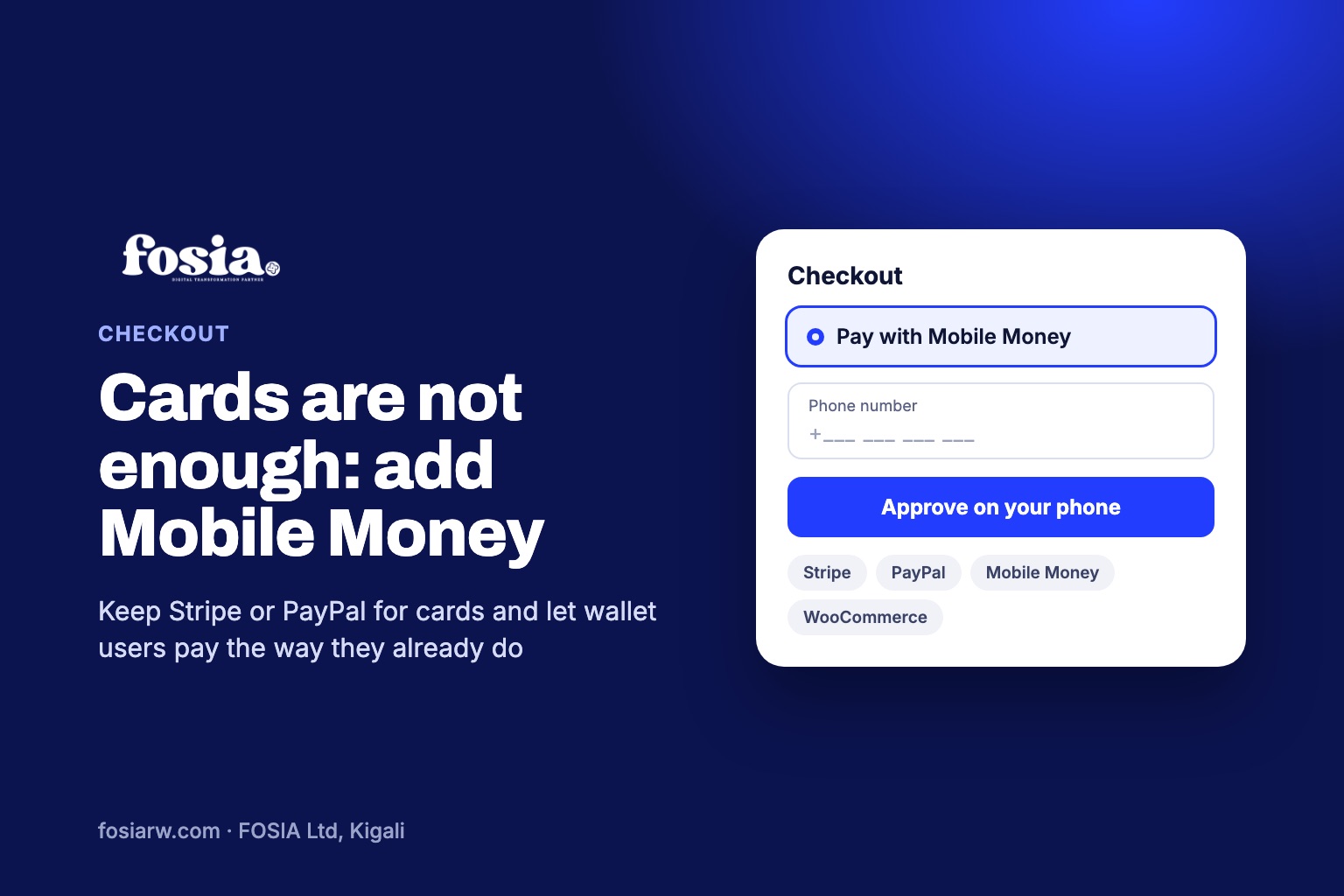
In short: to accept Mobile Money and card payments on the same WooCommerce store, keep your card gateway (Stripe, PayPal or another) and add a Mobile Money gateway such as Fosia Pay next to it. Both appear as choices at checkout: visitors with a card pay by card, and customers who use MTN MoMo, Airtel Money, M-Pesa, Orange Money or Wave approve the payment on their phone. Fosia Pay does not process cards, so the two work together rather than replacing each other.
Many African online stores start with a card gateway because it is what website tutorials explain first. Then the orders do not come, or they come mostly from abroad. The reason is often simple: the local customer reaches checkout, sees a form asking for a card number, and has no card to type. This guide explains why one method is not enough, and how to run both without making checkout confusing.
Why a card-only checkout leaves customers behind
Across much of the continent, daily payments happen in a phone wallet: rent, school fees, a taxi, a bundle of data. A shopper in Kampala, Lusaka or Dakar may have a Mobile Money wallet without ever having held a bank card that works online. For that customer, a card form is a closed door.
The reverse is true too. A tourist booking a lodge in Musanze, a cousin in Paris paying for a gift delivered in Abidjan, or a company paying an invoice from Europe will usually reach for a card. A store that offers only Mobile Money closes the door on them. The answer is not to pick one, but to offer both.
Check whether your card gateway is even available
Before you plan around a card provider, check that it serves your country:
- Stripe. Its global availability page lists five African countries, Côte d’Ivoire, Ghana, Kenya, Nigeria and South Africa, each marked “Extended network” and linking to Paystack. Countries such as Rwanda, Uganda, Tanzania, Senegal, Cameroon and Zambia are not on that list.
- PayPal. PayPal’s own help page explains that members in some countries and regions can only use PayPal to send payments, not to receive them. Check what your country’s account allows before you count on it to get paid.
Fosia Pay works through your own PawaPay account, across 21 African countries and 43 Mobile Money networks, including countries missing from Stripe’s list such as Rwanda, Uganda and Senegal. Availability depends on what PawaPay has enabled on your merchant account.
How the two gateways share one checkout
WooCommerce is built to show several payment methods at once. You enable each one in WooCommerce, Settings, Payments, and the customer picks one before placing the order. Fosia Pay’s own page says it works next to Stripe, PayPal or any other WooCommerce payment method.
| Card gateway (Stripe, PayPal) | Mobile Money with Fosia Pay | |
|---|---|---|
| Who pays this way | Card holders, often visitors, diaspora and companies | Customers with a phone wallet in 21 African countries |
| How the customer confirms | Card details, sometimes a bank check | Phone number, then PIN or wallet app on the phone |
| Where the money goes | Your account with the card provider | Your own PawaPay wallet; FOSIA takes 0% commission |
| Currency the customer sees | Set by your store and gateway | Converted to the customer’s local currency |
| Refunds | Through the card gateway | From the WooCommerce order, with Fosia Pay Pro |
Setting it up in five steps
- Keep your card gateway as it is. Nothing changes for card customers.
- Install Fosia Pay Lite. It is a free download on pay.fosiarw.com, coming to WordPress.org, with unlimited payments on one site and no license key.
- Connect your PawaPay account. Paste the API token in WooCommerce, Settings, Payments, Fosia Pay, and copy the callback URL into PawaPay. Our PawaPay setup guide walks through it, sandbox first.
- Name the methods clearly. Customers should understand the choice at a glance: one option for cards, one for Mobile Money, ideally naming the networks your customers know.
- Test both paths. Place a test order with each method and check that both orders end up as paid in WooCommerce.
Keeping your prices and your books simple
You do not need two price lists. Fosia Pay reads the country, currency and network from the customer’s phone number and converts your store price to the customer’s local currency, so a store priced in USD or EUR still charges a Ghanaian customer in cedis or a Rwandan customer in francs.
On the accounting side, remember that you now have two money flows: card payments land with your card provider, and Mobile Money lands in your PawaPay wallets. PawaPay’s dashboard has a Settlements section where you choose where, how often and how much it settles from those wallets. Write down both schedules so your monthly reconciliation does not miss either one. If you also pay suppliers by Mobile Money, Pro + AI ($39.99 a year) adds payout anomaly detection and reconciliation.
Which Fosia Pay plan fits a mixed checkout?
- Lite (free): enough to add Mobile Money next to your card gateway, with checkout on a secure PawaPay page.
- Pro ($19.99 a year, or $59 once for life): the payment prompt reaches the phone without leaving your store, fewer failed payments, refunds from the order, and payment links for sales outside the website.
- Agency ($79.99 a year): for web designers who add Mobile Money to up to 25 client stores.
Yearly licenses never renew automatically; see the pricing page for every detail and the 14-day full refund. For country guides, read M-Pesa on WooCommerce in Kenya, Orange Money and Wave (in French) and our overview of Mobile Money on WooCommerce.
Frequently asked questions
Can Fosia Pay take card payments too?
No. Fosia Pay handles Mobile Money only. Keep a card gateway such as Stripe or PayPal next to it for card holders.
Do I still need a card gateway if all my customers are local?
Not necessarily. If your buyers all pay with phone wallets, Mobile Money alone can be enough; add cards when visitors, diaspora or companies start asking for them.
Will my Stripe or PayPal settings change when I install Fosia Pay?
No. Fosia Pay adds its own payment method in WooCommerce and leaves your other gateways as they are.
Can a customer abroad pay by Mobile Money?
Yes, if they have a wallet in a country and network that PawaPay has enabled on your account. Otherwise, the card option is there for them.
What if Stripe is not available in my country?
Check PayPal’s options for your country or another card provider that serves it, and start with Mobile Money so local customers can pay from day one.
Ready to open the door to wallet users? Download Fosia Pay Lite and add Mobile Money next to your card gateway today, or book a free call and let our Digital-as-a-Service team set up both for you.