

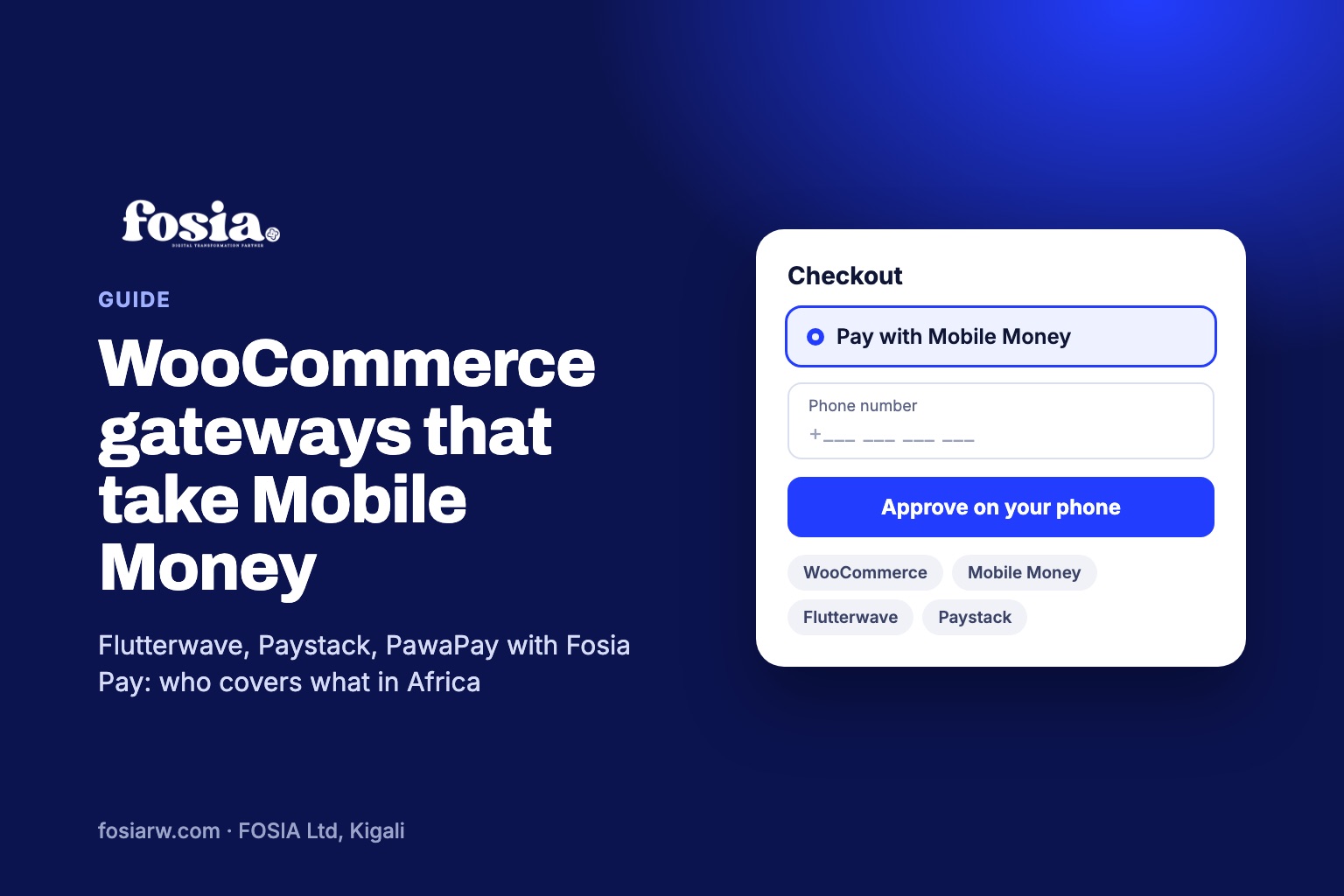
In short: among WooCommerce payment gateways for Africa, three families take Mobile Money today: Flutterwave and Paystack, which mix cards and Mobile Money in some countries, and PawaPay, a Mobile Money specialist you connect with a plugin such as Fosia Pay. WooPayments, WooCommerce’s own gateway, is not available to merchants in any African country at the time of writing. The right choice depends on the networks your customers use and the country where your business is registered.
You open WooCommerce, go to the payments settings and see a long list of gateways. Most of them were built for card markets. If your customers in Accra, Douala or Kampala pay with their phone, the question is not “which gateway is best?” but “which gateway actually reaches the wallets my customers already use?” This guide sorts the options, fairly, so you can shortlist in ten minutes.
Start with the gateway WooCommerce suggests
WooCommerce’s own payment product, WooPayments, is the first thing many store owners see. Its list of supported countries names 38 countries in Europe, North America, Asia and Oceania. No African country is on it at the time of writing (November 2026). WooCommerce says it is working to add more countries, so check the list again later, but for now an African business needs a third-party gateway.
WooCommerce’s own guide to choosing a gateway lists the right questions: cost, location, security, subscriptions and in-person payments. It also describes two models: a redirect, where the customer pays on the gateway’s page and comes back, and a direct one, where the customer pays on your site. Keep both in mind as you read on.
The gateways that take Mobile Money
Flutterwave
Flutterwave publishes its own plugin on WordPress.org, called Flutterwave WooCommerce. The listing names card, account, Mobile Money, bank transfers and USSD among its collection methods, and its changelog shows support for WooCommerce Blocks and for HPOS (WooCommerce’s newer order storage). Flutterwave’s developer documentation lists Mobile Money options tied to currencies, including M-Pesa for Kenyan shillings, and Mobile Money for Ghana, Uganda, Rwanda, Tanzania, Malawi and the CFA franc zones. It also warns that not all methods are supported across all countries, so confirm your own market with them.
Strong point: one account for cards and Mobile Money, useful if you sell to both local and foreign buyers.
Paystack
Paystack’s plugin on WordPress.org says it is for businesses in Nigeria, Ghana, Kenya and South Africa. Its list of payment channels includes cards, bank transfers and USSD in Nigeria, and Mobile Money in Ghana. Paystack’s help centre describes its Mobile Money checkout in Ghana (MTN, AT and Telecel) and in Kenya (Safaricom and Airtel Money). The plugin supports the WooCommerce checkout block and declares HPOS compatibility.
Strong point: a mature card and bank transfer checkout in its four markets, with Mobile Money where it is offered.
PawaPay, connected with Fosia Pay
PawaPay works only with Mobile Money operators. Its markets page lists operators across West, Central, East and Southern Africa, from MTN and Orange in Cameroon to Airtel and TNM in Malawi. PawaPay does not ship its own WooCommerce plugin, which is where Fosia Pay comes in: a plugin built by FOSIA in Kigali that connects your store to your own PawaPay merchant account.
Strong point: wide Mobile Money coverage with one setup: 21 African countries, 43 networks and 16 local currencies through Fosia Pay, with availability depending on what PawaPay has enabled on your merchant account.
Side by side
| Option | Cards | Mobile Money | WooCommerce plugin | Block checkout and HPOS |
|---|---|---|---|---|
| WooPayments | Yes | No | By WooCommerce | Yes, but no African country is supported |
| Flutterwave | Yes | In several currencies, check yours | By Flutterwave | Yes, per its changelog |
| Paystack | Yes | Ghana in the plugin listing; Kenya per its help centre | By Paystack | Yes, per its changelog |
| PawaPay with Fosia Pay | No (pair it with a card gateway) | Yes, 21 countries through Fosia Pay | By FOSIA (not by PawaPay) | Yes, Lite included |
Five checks before you install anything
- List the networks your customers use. Look at your WhatsApp orders or ask ten customers. In Ghana it may be MTN and Telecel, in Cameroon MTN and Orange. Then tick each network on each provider’s own list.
- Check where your business can sign up. A provider may serve customers in a country without accepting merchants registered there. Ask before you build.
- Check plan rules. PawaPay’s plans page says some operators have extra launch requirements and are only available on its Enterprise plan: M-Pesa in Kenya, MTN and Airtel in Nigeria and Vodacom in Tanzania, among others.
- Check your checkout type. New WooCommerce stores use the block checkout and HPOS by default. A gateway that does not support them may not show up at all.
- Test before real money moves. Use the provider’s test mode if it has one (PawaPay, for example, gives you a sandbox with test phone numbers). Place a fake order and watch the order status change by itself before you go live.
Where Fosia Pay fits
Fosia Pay is for stores whose customers mostly pay by Mobile Money, often in more than one country. The customer types a phone number, Fosia Pay reads the country, currency and network from it, converts your store price to the local currency, and the customer confirms on the phone. The order is marked as paid only after Fosia Pay verifies PawaPay’s signed confirmation. FOSIA takes 0% commission: only PawaPay’s own processing fees apply, and the money lands in your PawaPay account, never with FOSIA.
Fosia Pay Lite is free on WordPress.org, with unlimited payments, a hosted checkout on a secure PawaPay page, classic and block checkout support and HPOS compatibility. Pro ($19.99 a year or $59 once for life) adds a native checkout without redirect, fewer failed payments, refunds and payouts. It does not process cards, so many stores run it next to a card gateway: our guide to Mobile Money next to Stripe or PayPal shows how. For the full product tour, read the Fosia Pay pillar guide, and for the PawaPay account itself, the PawaPay setup guide.
Frequently asked questions
Can I run two payment gateways on one WooCommerce store?
Yes. WooCommerce shows every enabled payment method at checkout, so you can offer a card gateway and a Mobile Money gateway side by side and let each customer choose.
Is WooPayments available in Nigeria, Kenya or Rwanda?
Not at the time of writing. WooCommerce’s list of supported countries for WooPayments includes no African country, so check it again before you plan around it.
Which gateway covers the most Mobile Money networks?
It depends on your countries, not on a global ranking. Compare each provider’s own list for the exact networks you need, and remember that lists change.
Do I need a developer to set up a gateway?
Not with a plugin. You install it, paste your API keys and set the callback address. A developer helps if you want a custom checkout design or an integration no plugin offers.
Can I try a Mobile Money gateway without paying first?
Fosia Pay Lite is free, with unlimited payments, and PawaPay’s sandbox lets you test with fake numbers. On real payments, only PawaPay’s own processing fees apply.
Shortlist done? Download Fosia Pay Lite for free and test a Mobile Money order in sandbox today, compare plans on the pricing page, or book a free call and we will help you pick the right mix for your store.